Statements
eRocks provides several ways to search fro and view statements and filter the statement list:
-
View and Download a Statement (PDF) (Opens a new tab)
-
View and Download Multiple Statements (PDF) (Opens a new tab)
-
Create and Download a Statement Report Line Item Summary (PDF or Excel/CSV) (Opens a new tab)
-
Email a Single Statement (PDF) (Opens a new tab)
-
Email Multiple Statements (PDF) (Opens a new tab)
See also
-
Search and Filter Documents (Opens a new tab)
To access statements:
-
Launch the eRocks dashboard
-
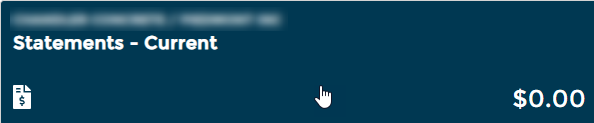
Click the "Statements" tile
-
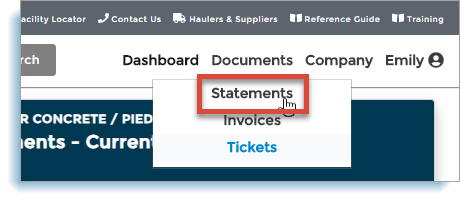
OR Hover over "Documents" in the menu bar
-
Select "Statements"
-
-
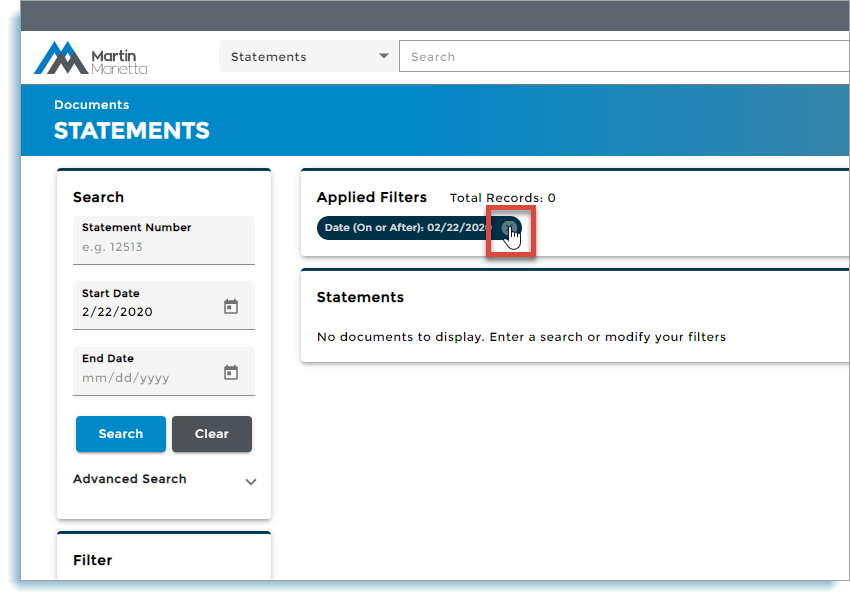
Wait for the "Statements" page to display
NOTE: If no statements display, click to remove filters. Wait for all company statements to display.
-
Scroll through the statement list OR search and filter statements (opens in a new tab).