Email Multiple Statements
See also
-
Search and Filter Documents (Opens a new tab)
To email multiple statements:
-
Open the Statements page (Opens a new tab)
-
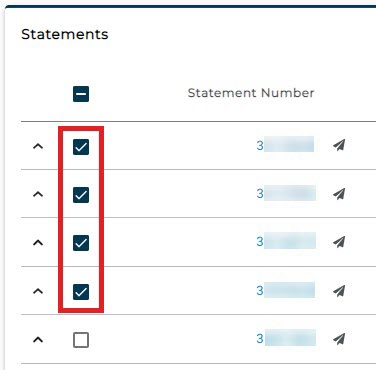
Check the boxes for the desired statements OR
-
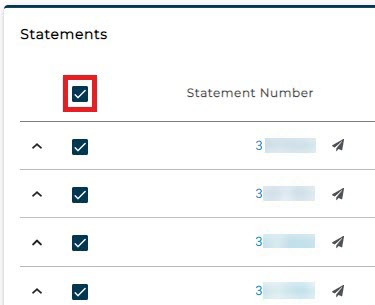
Check the box at the top of the column to select all statements
-
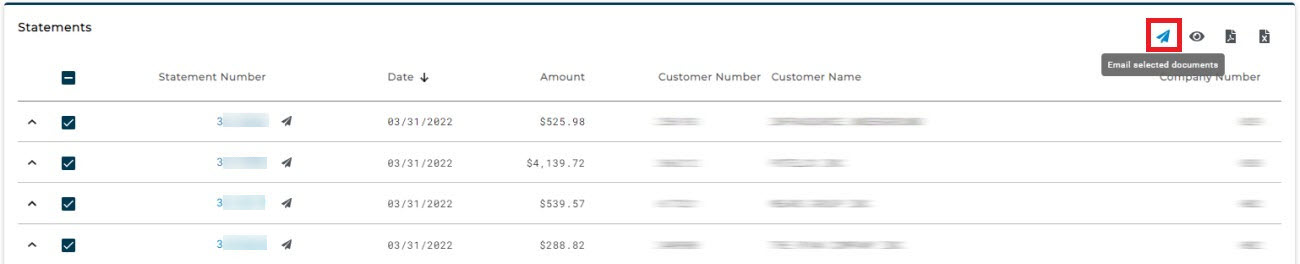
Click the "Email Selected Documents" icon
-
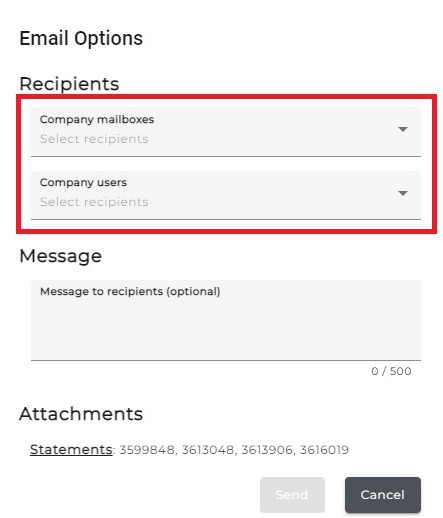
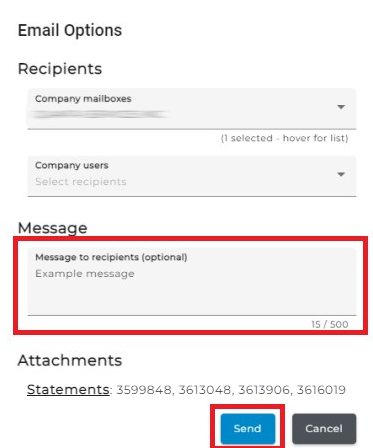
Wait for the "Email Options" screen to appear
-
Select the email recipients
-
Enter a message
-
Click "Send"