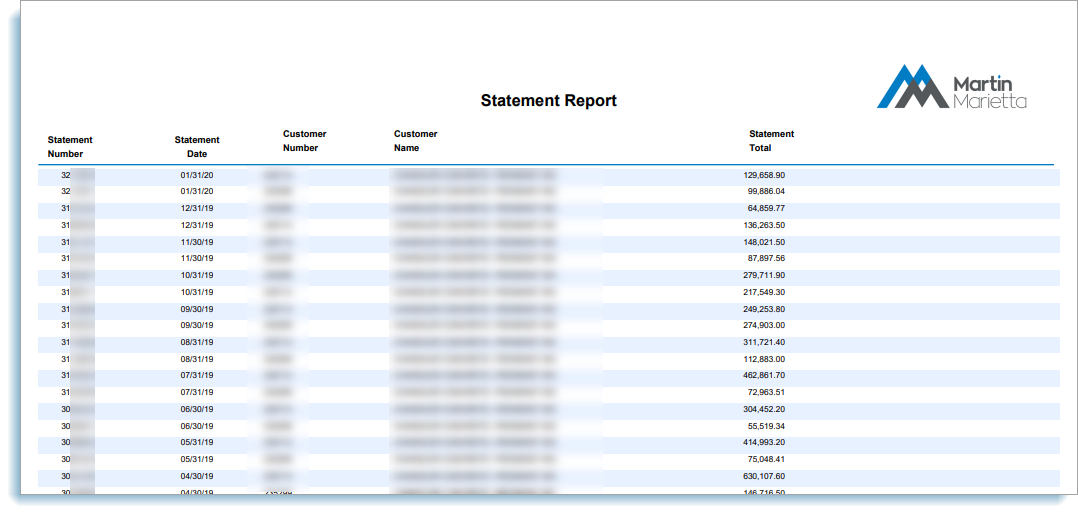
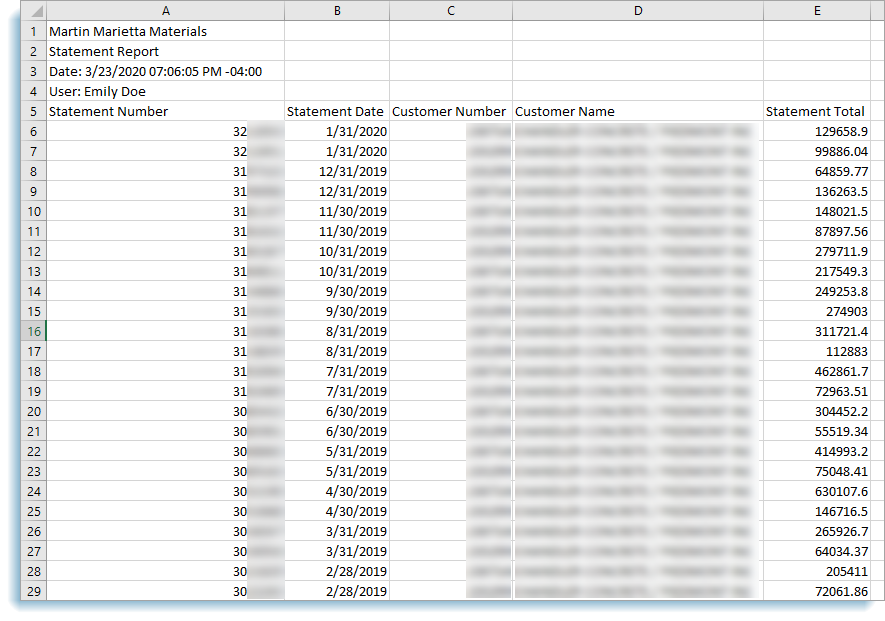
View a Statement Report (PDF or Excel/CSV)
To view statement reports:
-
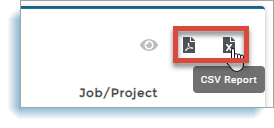
Click either the PDF Report or CSV Report icon
-
Wait for the statement report to download
NOTE: The file will either be a PDF or a CSV file based on the option selected.
-
Click the download link to open the file

NOTE: The statements open as a single file in a new browser or in the systems selected PDF reader, or Excel.