View Multiple Statements (PDF)
See also
-
Search and Filter Documents (Opens a new tab)
To view multiple statements:
-
Navigate to the statement list (Opens a new tab)
-
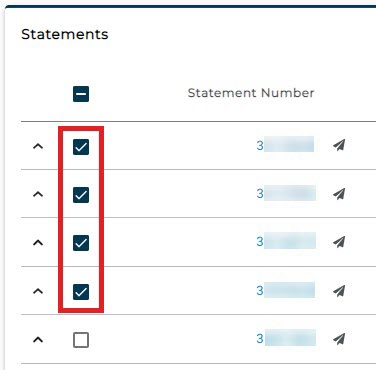
Check the boxes for the desired statements to view OR
-
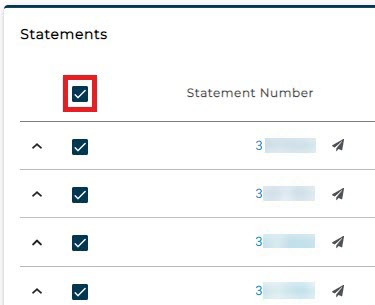
Check the box at the top of the column to select all statements
-
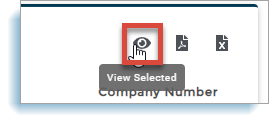
Click the "View Selected" icon to the right
-
Wait for the PDF of the statements to download
-
Click the download link to open the file
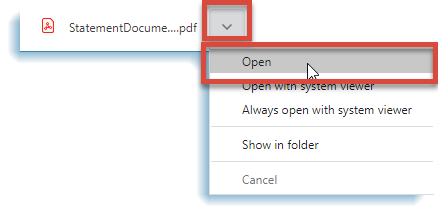
NOTE: The statements open as a single file in a new browser or in the systems selected PDF reader.