Account Summary
Use the Account Summary page to view account details and download invoices.
See also
| 1 |
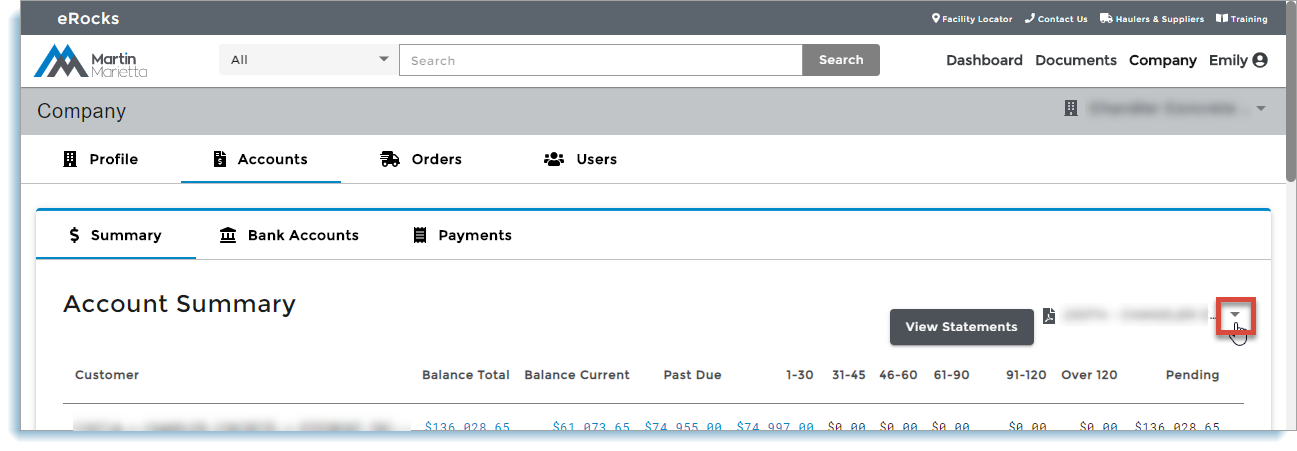
Open the Account Summary page. If your company has more than one account, click the account dropdown and select an account:
The account summary for the account displays. |
| 1 |
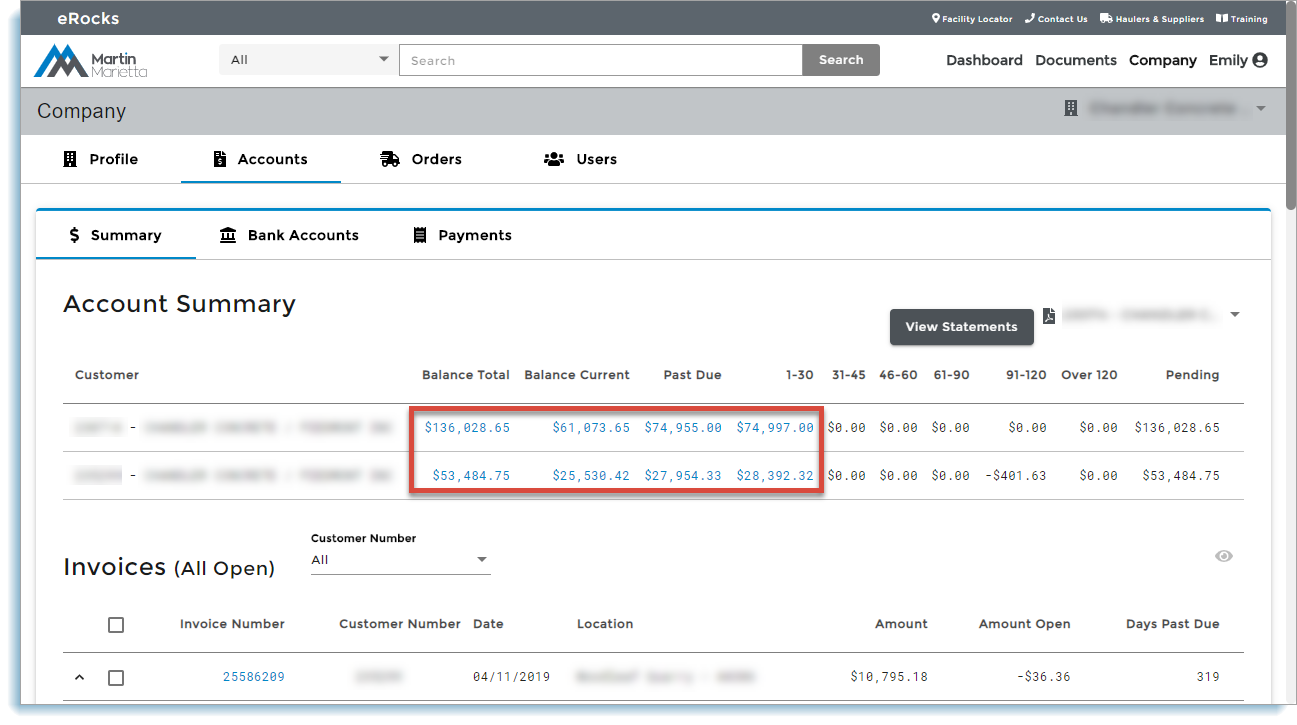
Click any of the blue links to drill down into additional detail:
Additional detail displays in the Invoices section below. |
| 2 |
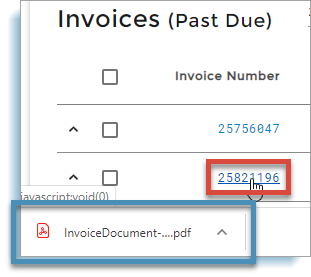
Click an invoice number to download and view a PDF of the invoice:
|